Look sun-kissed in every photo
Skin Tanner is the AI photo editor built for one thing: a realistic tan on your selfies and full-body shots. It finds your face and body, adds an even tan that follows your skin’s own texture and lighting, and lets you pick the shade, from a light glow to a deep bronze. No sun, no streaks, no orange.


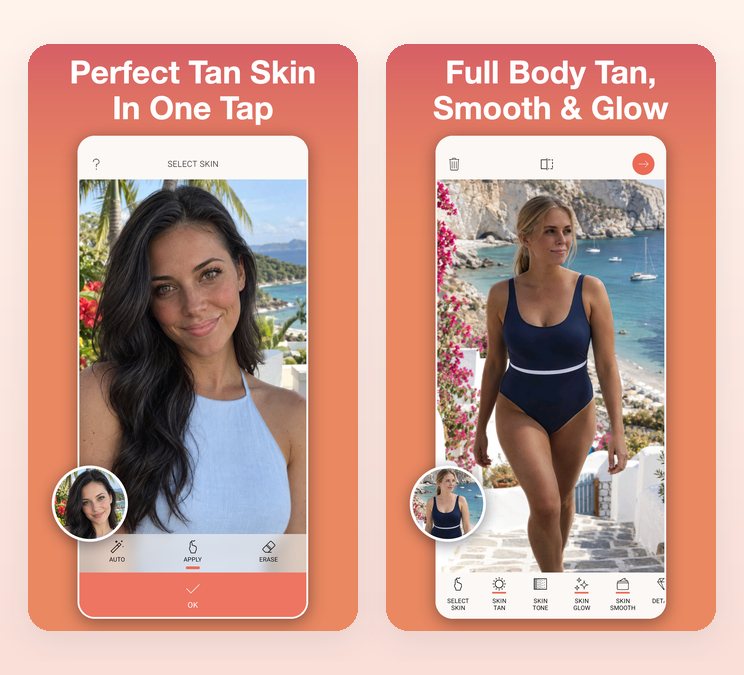
- AI finds your face and body automatically
- Keeps real skin texture
- Free to try on iPhone, iPad and Android
Everything for the perfect tan
Tan, tone and retouch in one app, then set the scene.
One-tap tan
Choose a preset and get a complete look in a single tap, from a deep tropical tan to a warm golden-hour glow.
Tan strength
Slide from a light summer glow to a deep bronze and watch your skin change in real time.
Brush and erase
Paint the tan exactly where you want it, like a spray tan for your camera roll, and erase what you don’t.
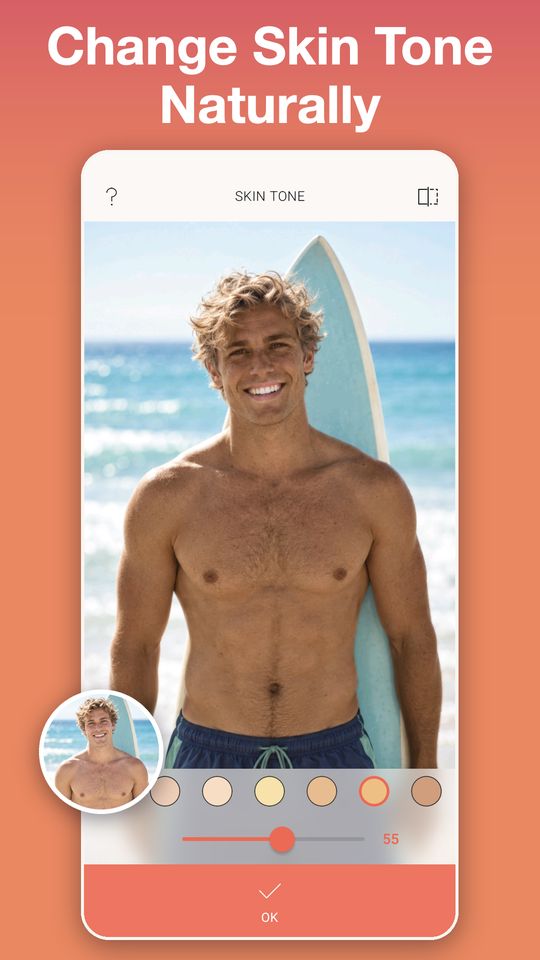
Skin tone
Darken, warm up or cool down your tone. Even out patchy areas and tan lines for a uniform finish.
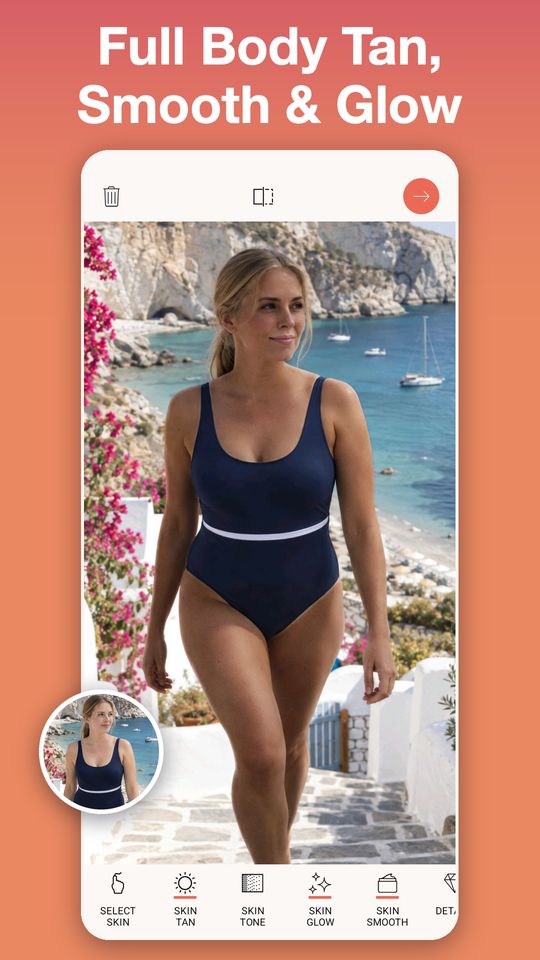
Smooth and glow
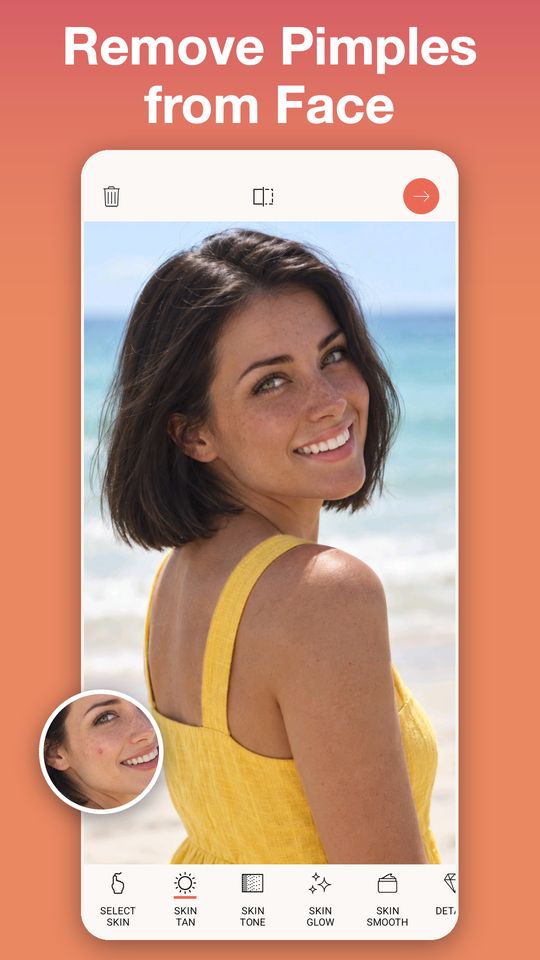
Smooth texture, remove pimples, blemishes and marks, and add a healthy glow to face and body.
Freckles
Add natural-looking freckles for that fresh-from-the-sun look.
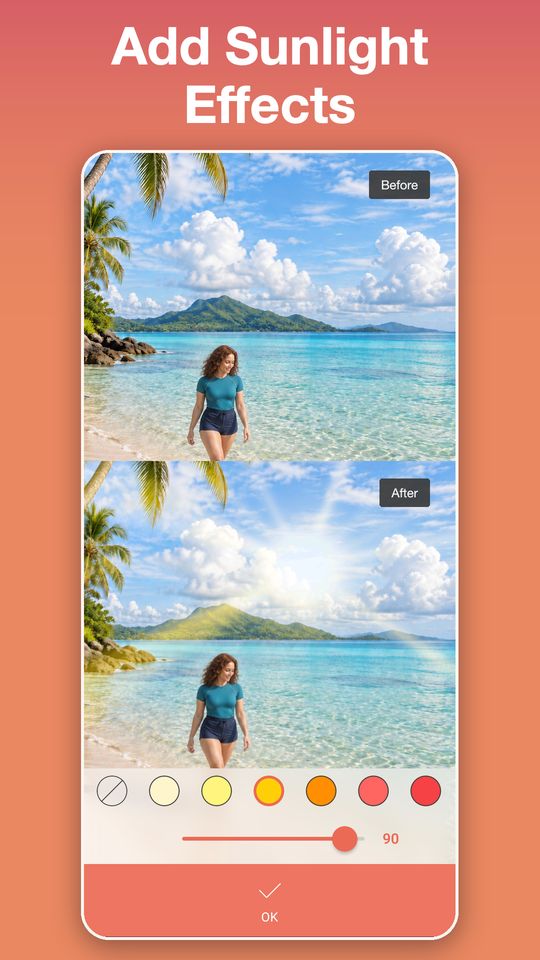
Sunbeams and beach sand
Add warm, realistic rays of light, or turn any background into a day by the water.
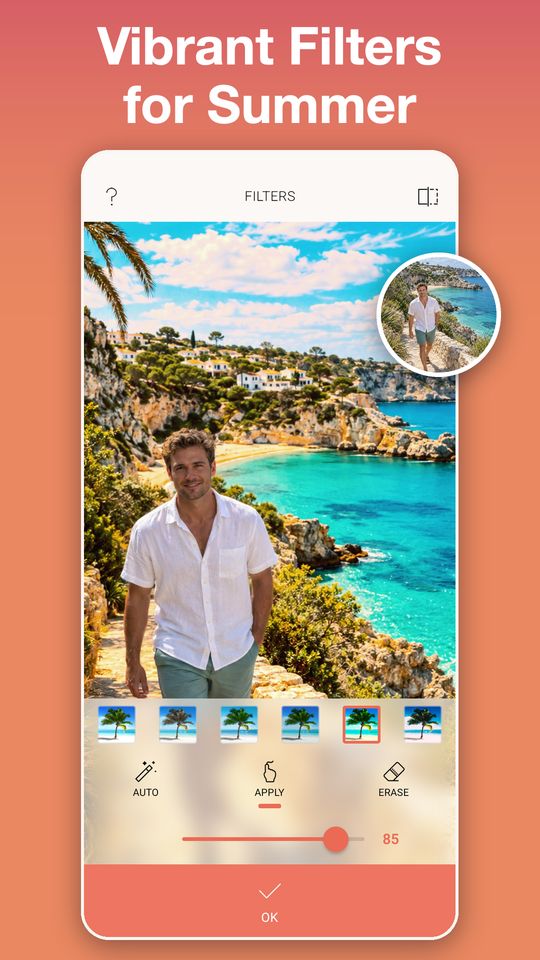
Filters and object remover
Finish with vibrant summer filters and erase photobombers and clutter with AI.
See it in action
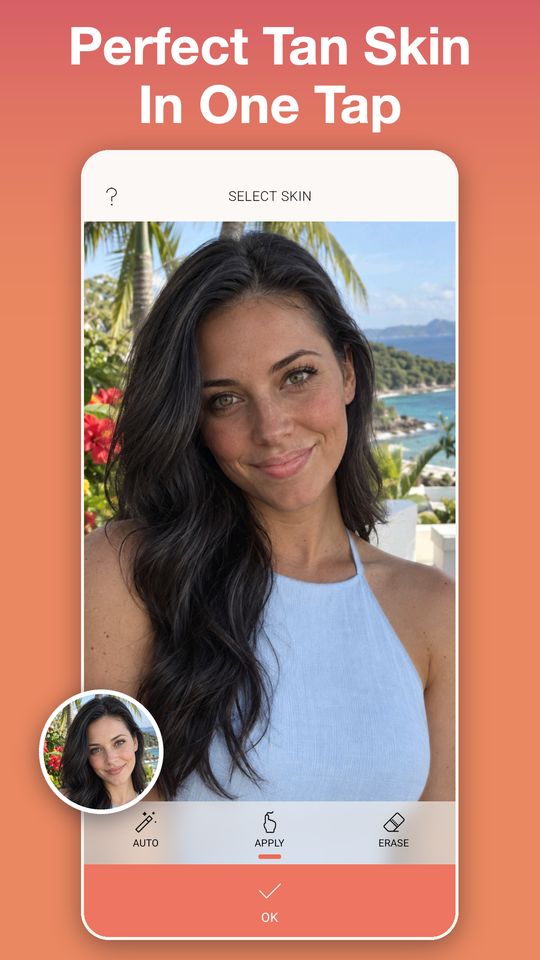
Real app screens. The circle shows the photo before the edit.
How it works
Pick a photo
A selfie, a beach shot or a full-length photo from your camera roll.
Let the AI find your skin
Skin Tanner selects your face, arms, legs and body. Tap a preset or fine-tune the selection with the brush.
Set the shade and save
Adjust the strength until it looks right, then save to your photos or share.
Made for the moments that matter
- Beach, pool and vacation photos
- Selfies, profile photos and dating pictures
- Weddings, proms and nights out
- Pale legs in a summer dress
- Previewing a spray tan or self-tanner shade before you book
- Keeping your summer look all winter long
Free to try
Download Skin Tanner free and try it on your own photos. When you like the result, upgrade to Premium for unlimited access to every tool and effect. Prices are shown in the app before you buy.
Skin Tanner reads your undertone, so the color looks like it belongs to you, and it keeps your features intact, so you still look like yourself.
Questions
Will the tan look fake or orange?
Skin Tanner blends the color into your skin’s own texture and lighting and adapts it to your undertone, so the result reads as a natural tan. You control the strength, and you can brush or erase any area.
Can I tan my whole body, not just my face?
Yes. The AI detects your face, arms, legs and body, so full-length and beach photos work as well as selfies. You can also paint the tan onto any area by hand.
Does Skin Tanner change my real skin?
No. Skin Tanner edits photos only. It isn’t a tanning or cosmetic product.
Which phones does it work on?
iPhone and iPad with iOS 18.6 or later, and Android phones through Google Play.
Is Skin Tanner free?
Skin Tanner is free to download and try. Premium unlocks unlimited access to every tool and effect. You can manage or cancel a subscription at any time in your App Store or Google Play account.
I need help with a purchase.
Our Support page explains how to restore purchases, manage a subscription and request a refund. You can also email support@innovativeswsolutions.com.
Get Skin Tanner
Free on the App Store and Google Play.