Body and face edits that look real
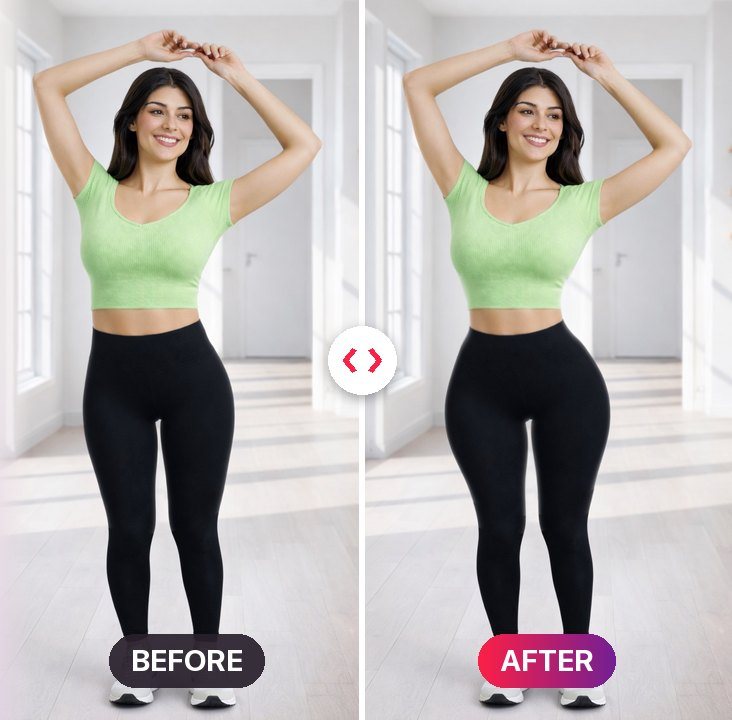
Other apps leave signs: warped walls, bent furniture, wavy doorframes. Body Sculpt’s AI knows the difference between you and your background, so you can shape your waist, curves, arms and legs or refine your face while everything behind you stays straight. Every edit happens on your phone.


- 100% on-device. Photos never leave your phone.
- Backgrounds stay straight
- One-tap presets or fine-tune with sliders
Everything you want to tune
Realistic results in seconds, not an hour in a desktop editor.
One-tap body presets
Pick a look (Hourglass, Slim, Pear or Athletic) and one slider sets the strength.
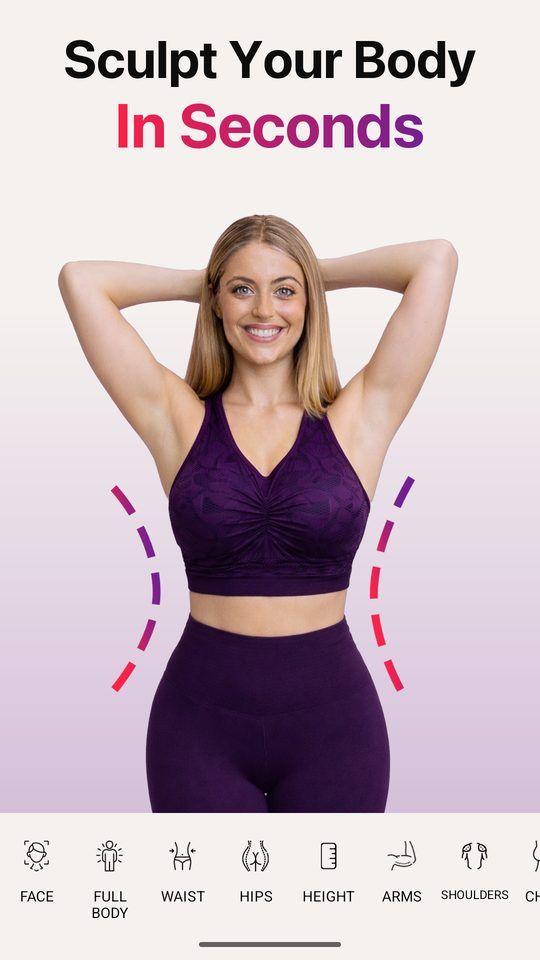
Waist and stomach
Slim your waist and flatten your belly with natural contours.
Hips and curves
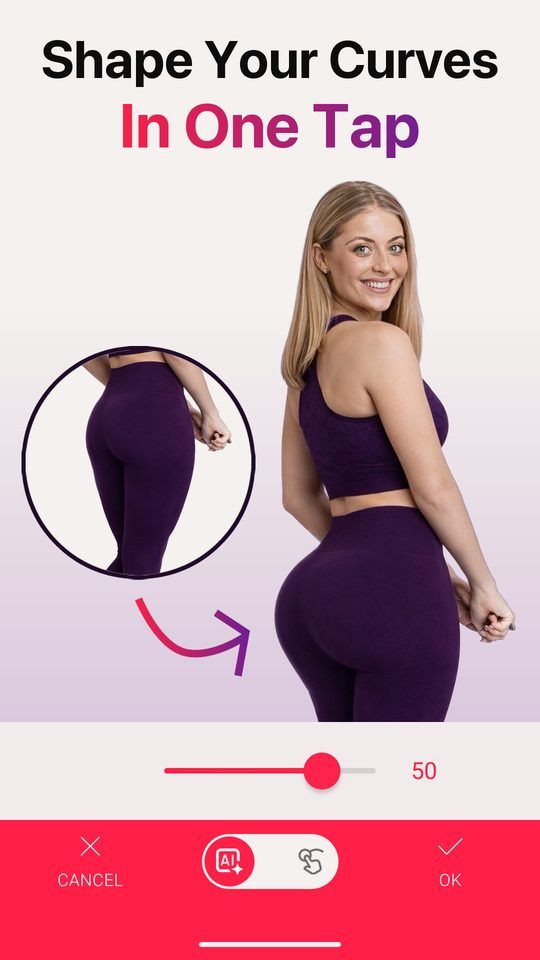
Lift and shape your hips and butt, or boost your curves.
Muscle and abs
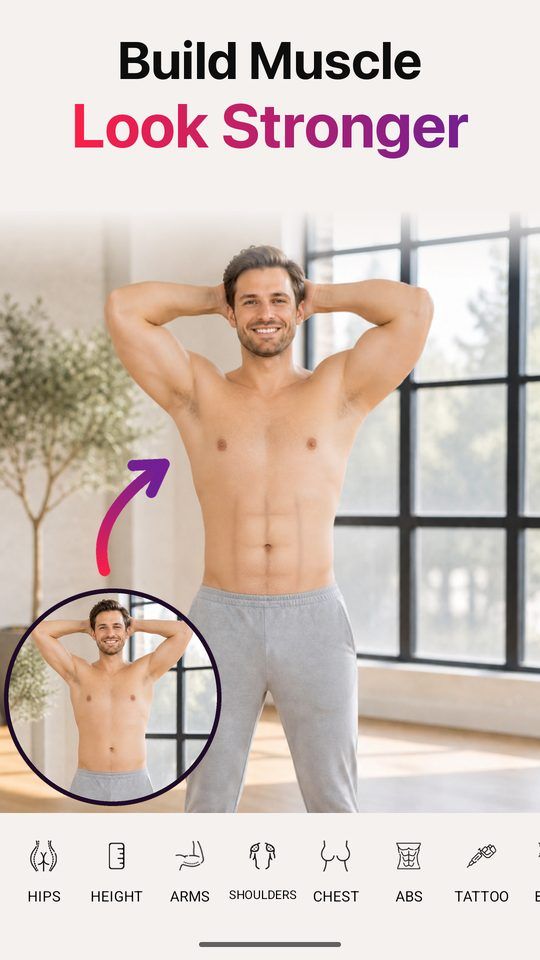
Add defined abs and arm muscle that blend with your skin.
Shoulders and arms
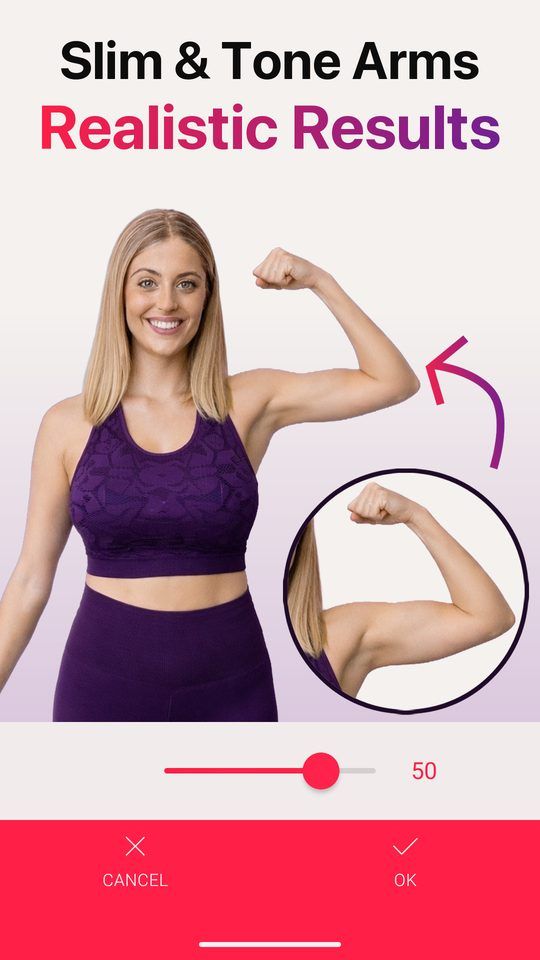
Broaden your shoulders for a V-shape, or tone and slim your arms.
Legs and height
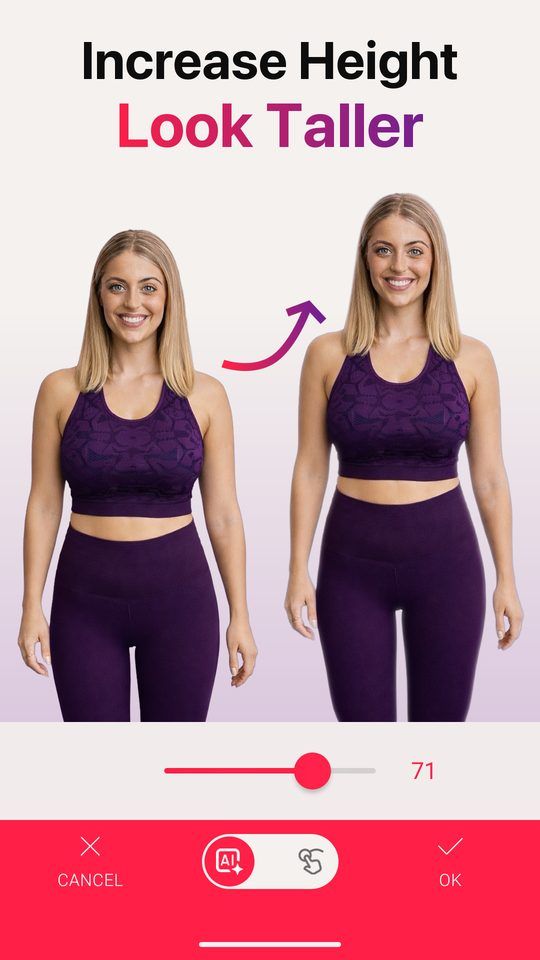
Lengthen your legs and look taller with balanced proportions.
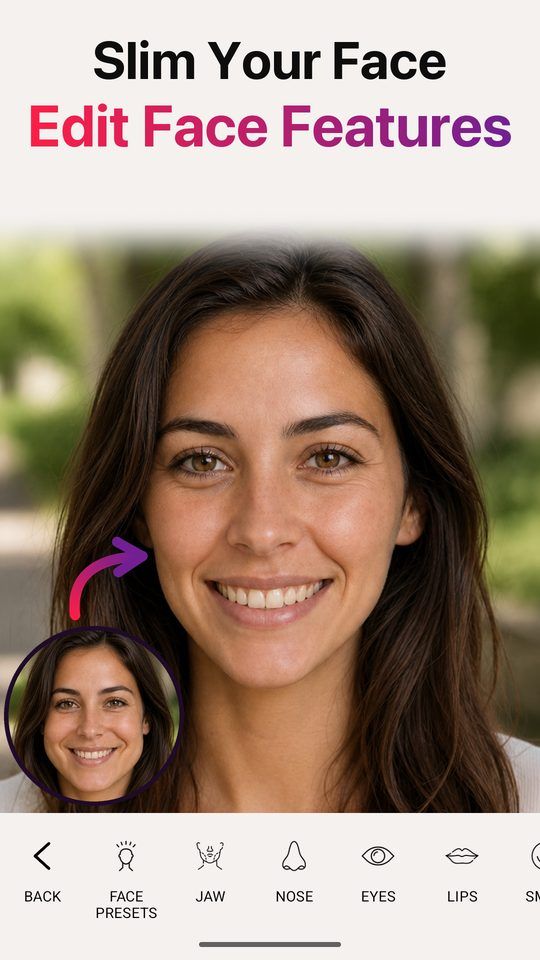
Face tools
Slim your face and refine jaw, chin, nose, eyes, eyebrows, lips and smile.
Tattoo try-on
See a tattoo on your body before you commit. Designs wrap to your skin, so they look inked, not pasted on.
See it in action
Real app screens. Swipe through.
How it works
Pick a photo
Any full-length or half-body photo from your camera roll.
AI finds your body and face
Body Sculpt detects you and places the editing tools for you, while it protects the background.
Choose a preset or slide
Tap a look or fine-tune each area by hand, then save or share.
Made for
- Content creators who want polished photos without obvious edits
- Swimwear, vacation and outfit photos
- Profile and social photos
- Trying a tattoo design before you commit
Free to try
Try every tool free on your own photos. Upgrade to Premium for unlimited exports without watermarks. Prices are shown in the app before you buy.
Body Sculpt is a photo editor. Edits change the photo, not your body, and aren’t fitness or medical advice.
Questions
Will the background warp?
That’s the problem Body Sculpt was built to solve. The AI separates you from your background as you edit, so walls stay straight, furniture stays solid and the edit stays invisible.
Are my photos uploaded anywhere?
No. All editing runs on your device. Your photos never leave your phone.
Can I edit my face too?
Yes. Face tools slim your face and refine your jaw, chin, nose, eyes, eyebrows, lips and smile, each with one slider.
Which phones does it work on?
iPhone and iPad with iOS 18 or later, and Android phones through Google Play.
Is Body Sculpt free?
Every tool is free to try. Premium unlocks unlimited exports without watermarks. You can manage or cancel a subscription at any time in your App Store or Google Play account.
I need help with a purchase.
Our Support page explains how to restore purchases, manage a subscription and request a refund. You can also email support@innovativeswsolutions.com.
Get Body Sculpt
Free on the App Store and Google Play.