Clear skin and a fresh face in one tap
Face Editor removes pimples, acne and wrinkles while keeping your real skin texture, so the photo looks like you on your best day, not like a filter. Then refine your nose, lips, eyes, brows and jaw with simple sliders. Every edit runs on your iPhone.

For iPhone and iPad.
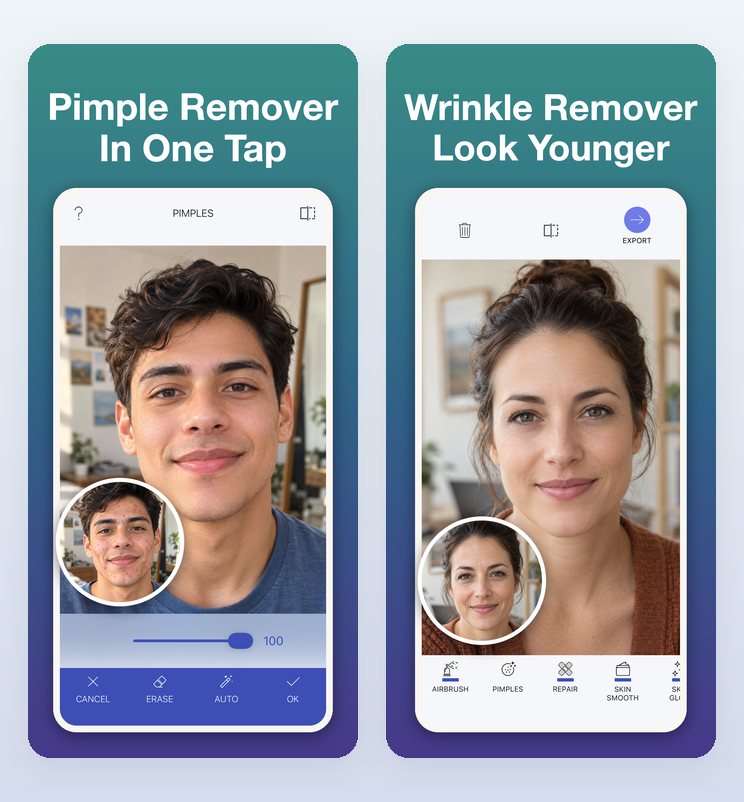
- Keeps pores, freckles and texture
- 100% on-device editing
- Free to try
Skin and face tools
One-tap presets for skin, simple sliders for every feature.
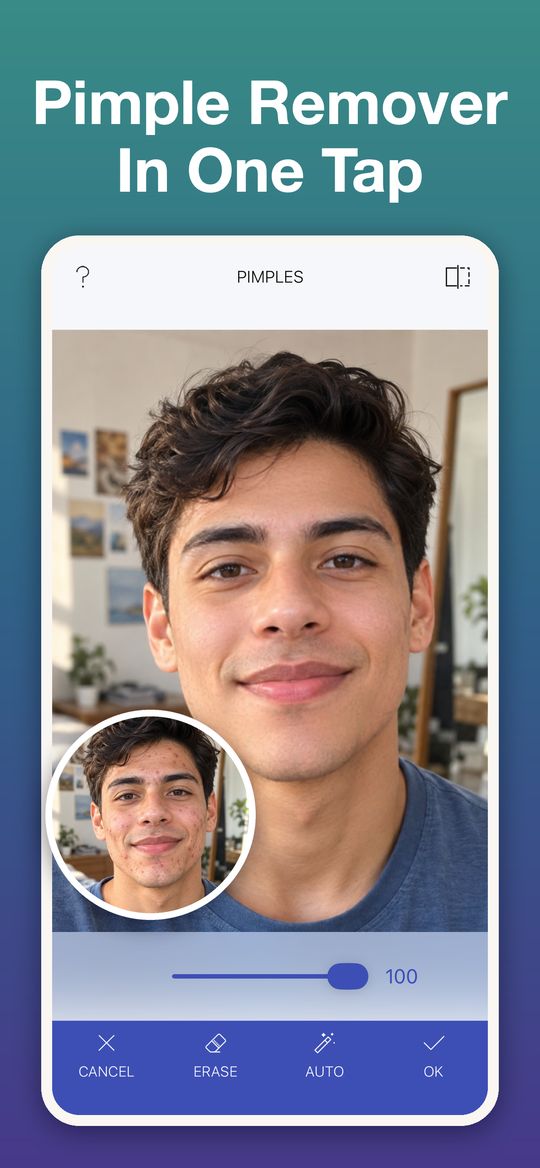
Pimple Remover
AI removes pimples, acne and redness and rebuilds the skin underneath instead of blurring it.
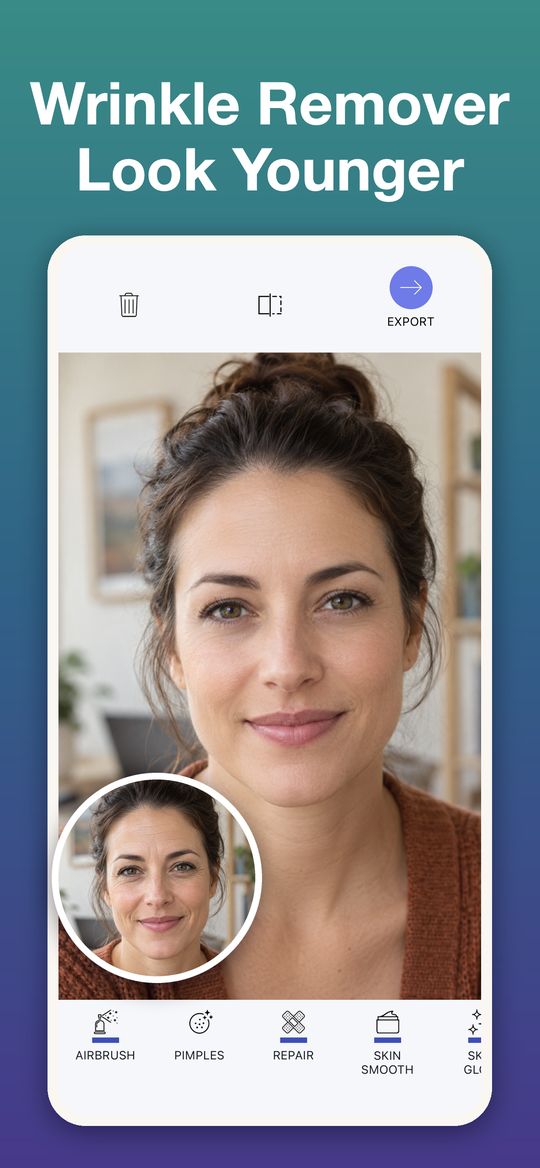
Wrinkle Remover
Smooths wrinkles and fine lines with a light airbrush and a soft glow.
Airbrushed
Removes pimples, softens wrinkles and airbrushes the whole face for a flawless finish.
Face tools
Nose, lips, smile, eyebrows, eyes, jaw, chin and forehead, one feature at a time.
Face presets
Slim Face, Glow Up, Awake and Refine Nose, each dialed up or down with one slider.
Repair brush
Paint over spots, scars and wrinkles and watch them vanish.
Smooth and glow
Even skin with one slider and add a healthy, radiant look.
Blur and filters
Portrait background blur and 30+ filters to set the mood.
See it in action
Real app screens. The circle shows the photo before the edit.
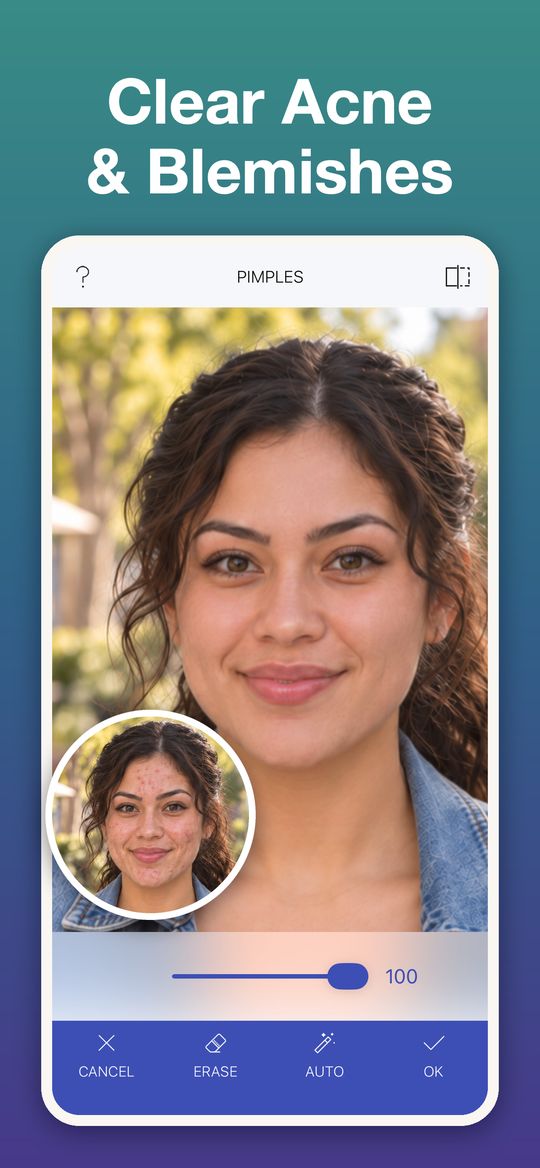
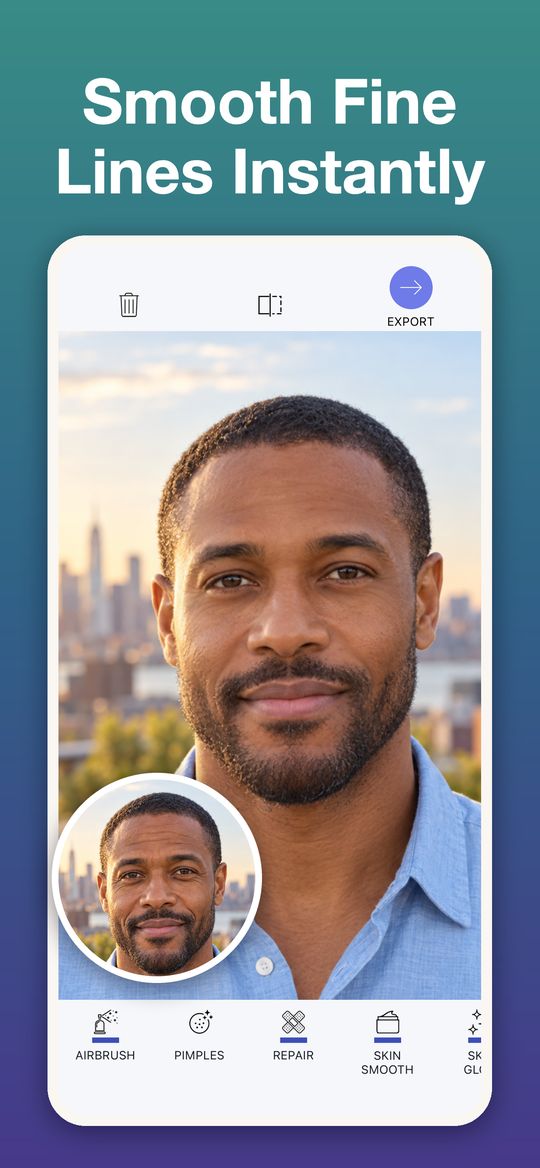
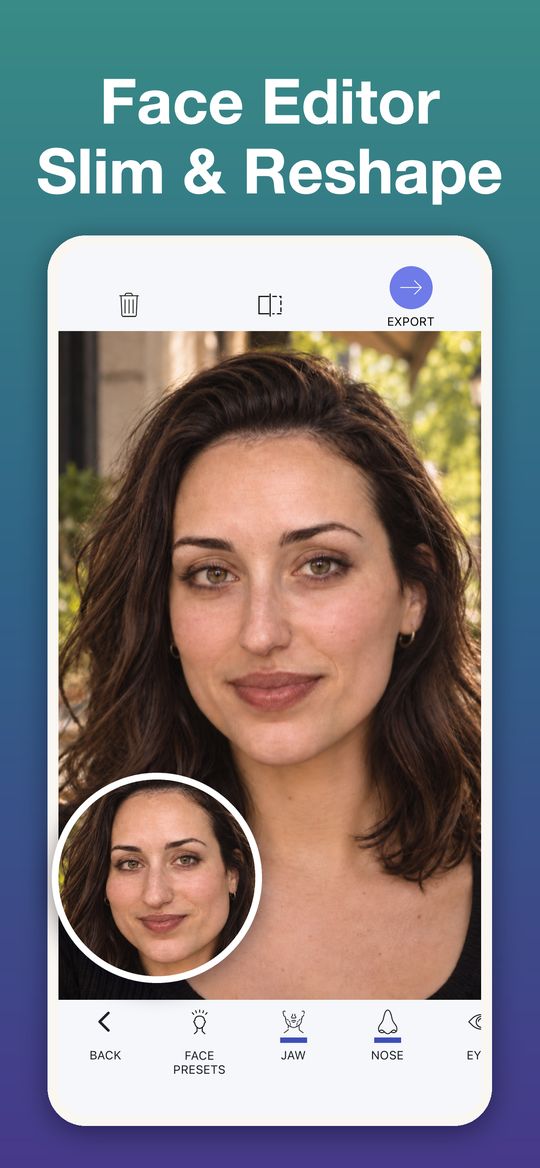
How it works
Open a selfie
From your camera, your photo library or straight from another app. In a group photo, pick the face to edit.
Tap a preset
The AI finds pimples, acne and blemishes automatically and rebuilds the skin.
Dial it in and save
Set the strength, compare before and after with one tap, then save or share.
Made for
- Selfies and profile pictures
- Portraits and headshots
- Group photos, one face at a time
- Photos for social media and dating apps
Free to try
Download Face Editor free and try it on your own photos. Premium unlocks every face and skin tool, all presets, unlimited edits and full-quality exports. Prices are shown in the app before you buy.
Face Editor was previously called Magic Pimple + Wrinkle Eraser.
Questions
Does it just blur my skin?
No. Face Editor rebuilds the skin under a blemish instead of blurring it, so pores, freckles and texture stay.
Can I edit one face in a group photo?
Yes. When a photo has more than one face, you pick which face to edit.
Are my photos uploaded?
No. All editing runs on your device. Your photos never leave your phone.
Which devices does it work on?
iPhone and iPad with iOS 18 or later.
Is Face Editor free?
It’s free to download and try. Premium unlocks every tool and preset. You can manage or cancel a subscription at any time in your App Store account.
I need help with a purchase.
Our Support page explains how to restore purchases, manage a subscription and request a refund. You can also email support@innovativeswsolutions.com.
Get Face Editor
Free on the App Store for iPhone and iPad.